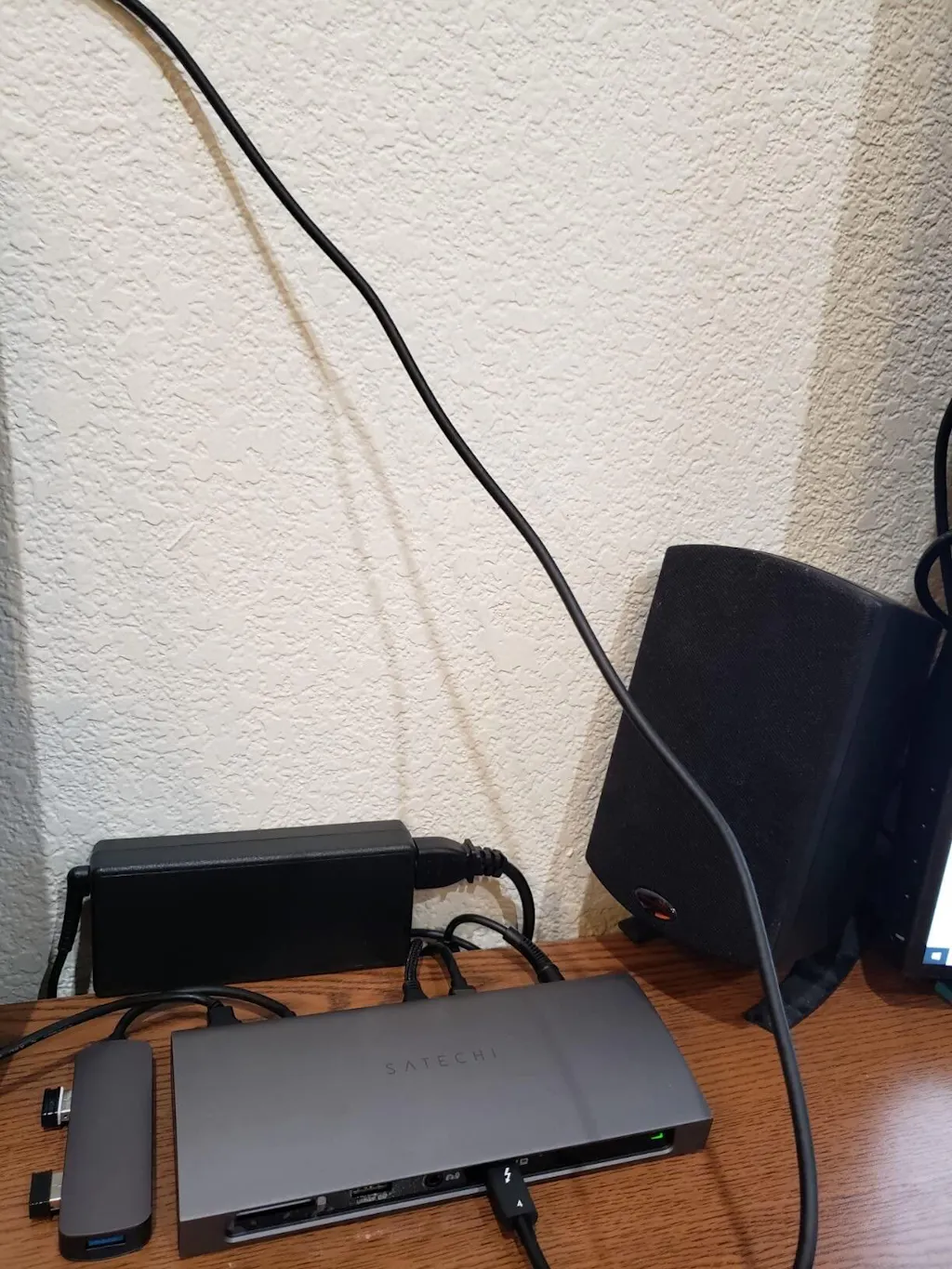
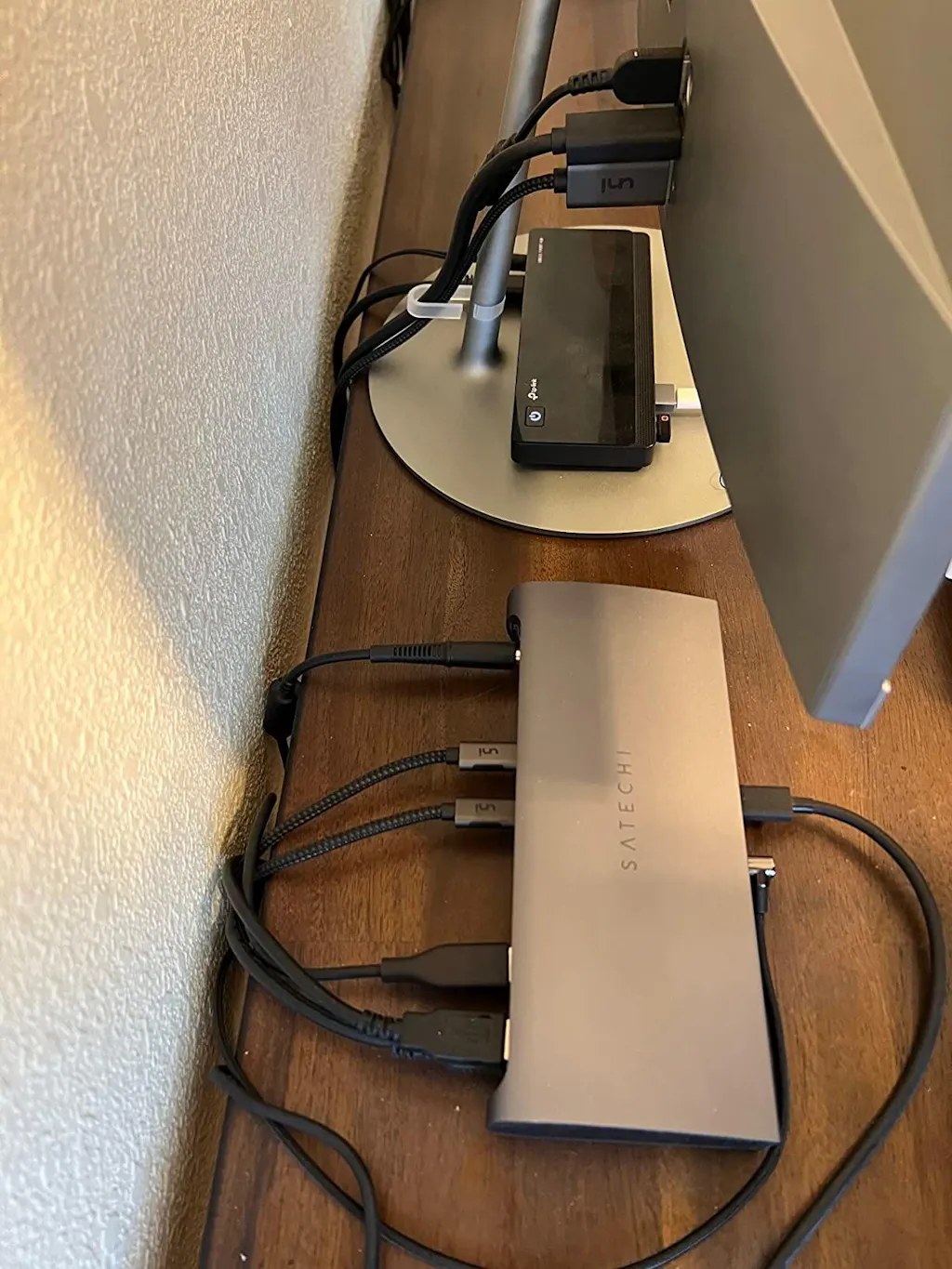
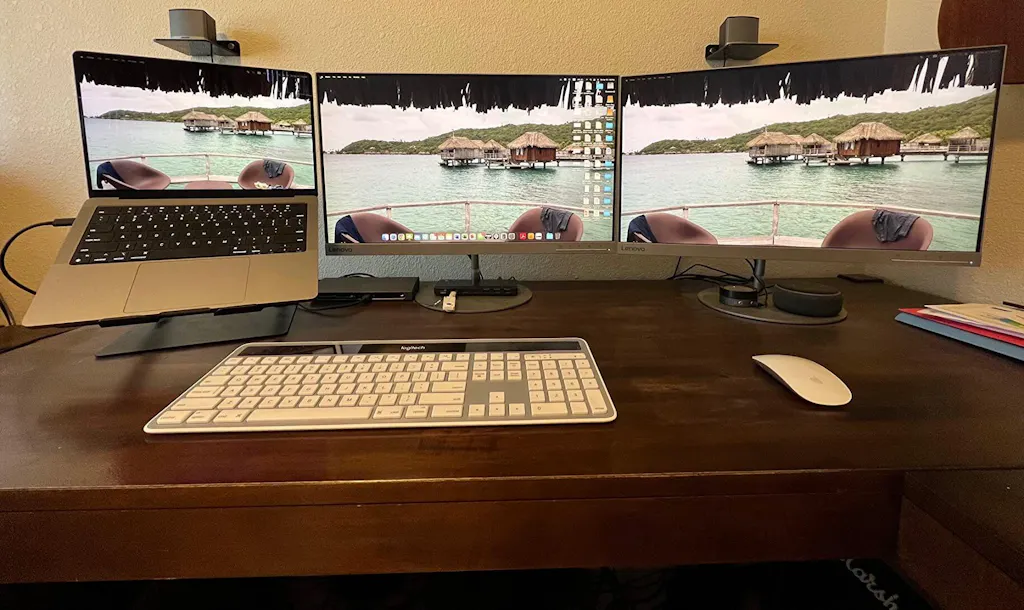
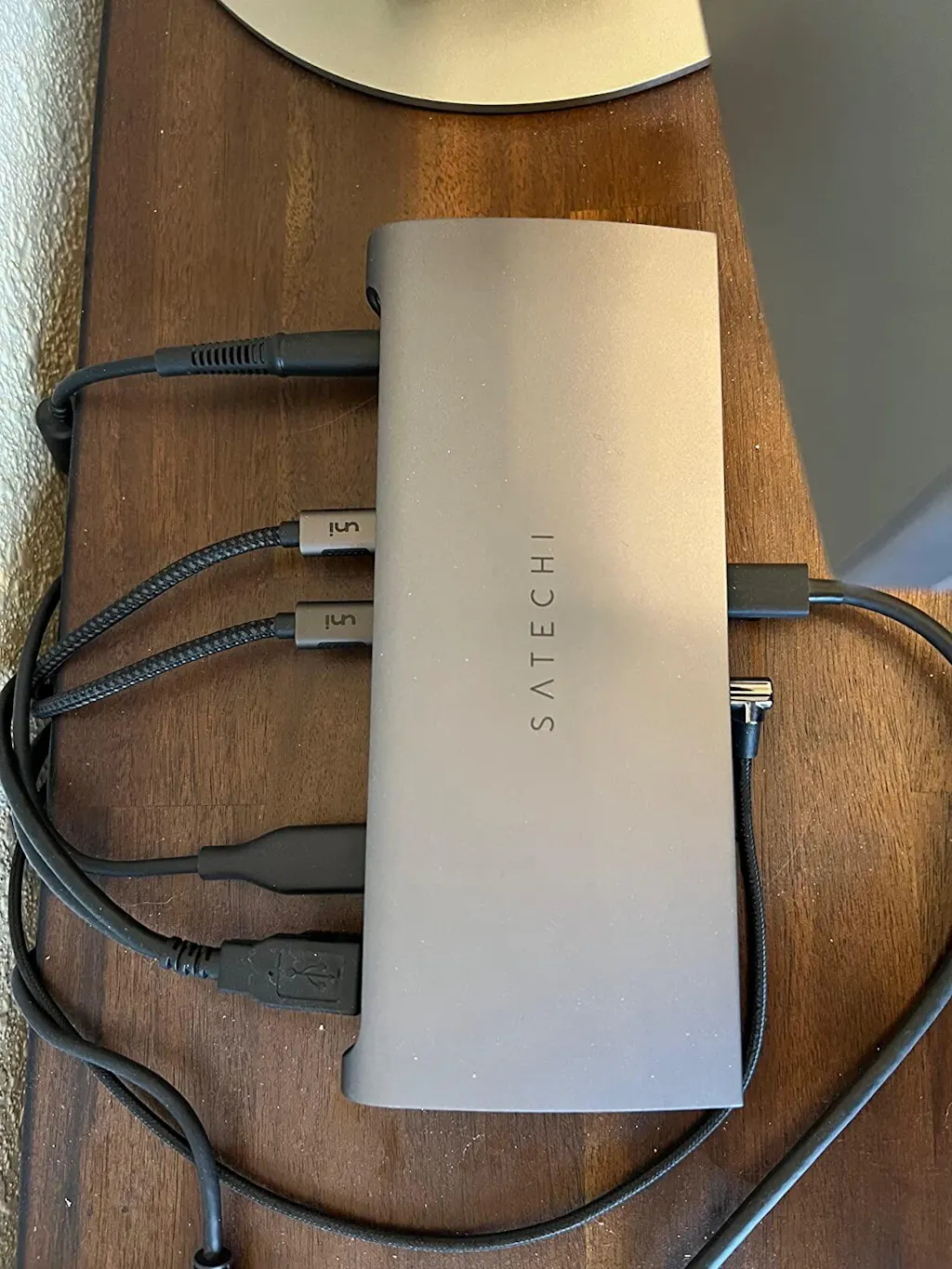
Satechi Thunderbolt 4 Docking Station for MacBook Pro

Satechi Thunderbolt 4 Docking Station for MacBook Pro

Regular price $239.99 USD
Regular price $259.99 USD $239.99 USD Sale price
Shipping calculated at check out.

Turn Your MacBook Into a Professional Workstation

Your MacBook delivers desktop-class performance — but your workspace shouldn’t be limited by the ports built into your laptop.

The Satechi Thunderbolt 4 Docking Station gives professionals, creators, developers, and power users the connectivity they need to build a serious desktop setup around their MacBook.

Connect displays, external SSDs, Ethernet, USB accessories, SD cards, audio equipment and more — while charging your MacBook — through a single Thunderbolt connection.

One cable to your MacBook. One complete workstation.

Why Choose Thunderbolt 4 Instead of a Regular USB-C Hub?

A basic USB-C hub is great for everyday accessories.

But professional workflows can demand significantly more bandwidth, more connections, reliable power, and better support for high-performance peripherals.

Thunderbolt 4 provides up to 40Gbps of bandwidth, making this dock ideal for demanding setups involving fast external storage, displays, professional accessories and large file transfers.

If your desk is constantly covered with adapters and cables, this dock is designed to replace them with one centralized connection.

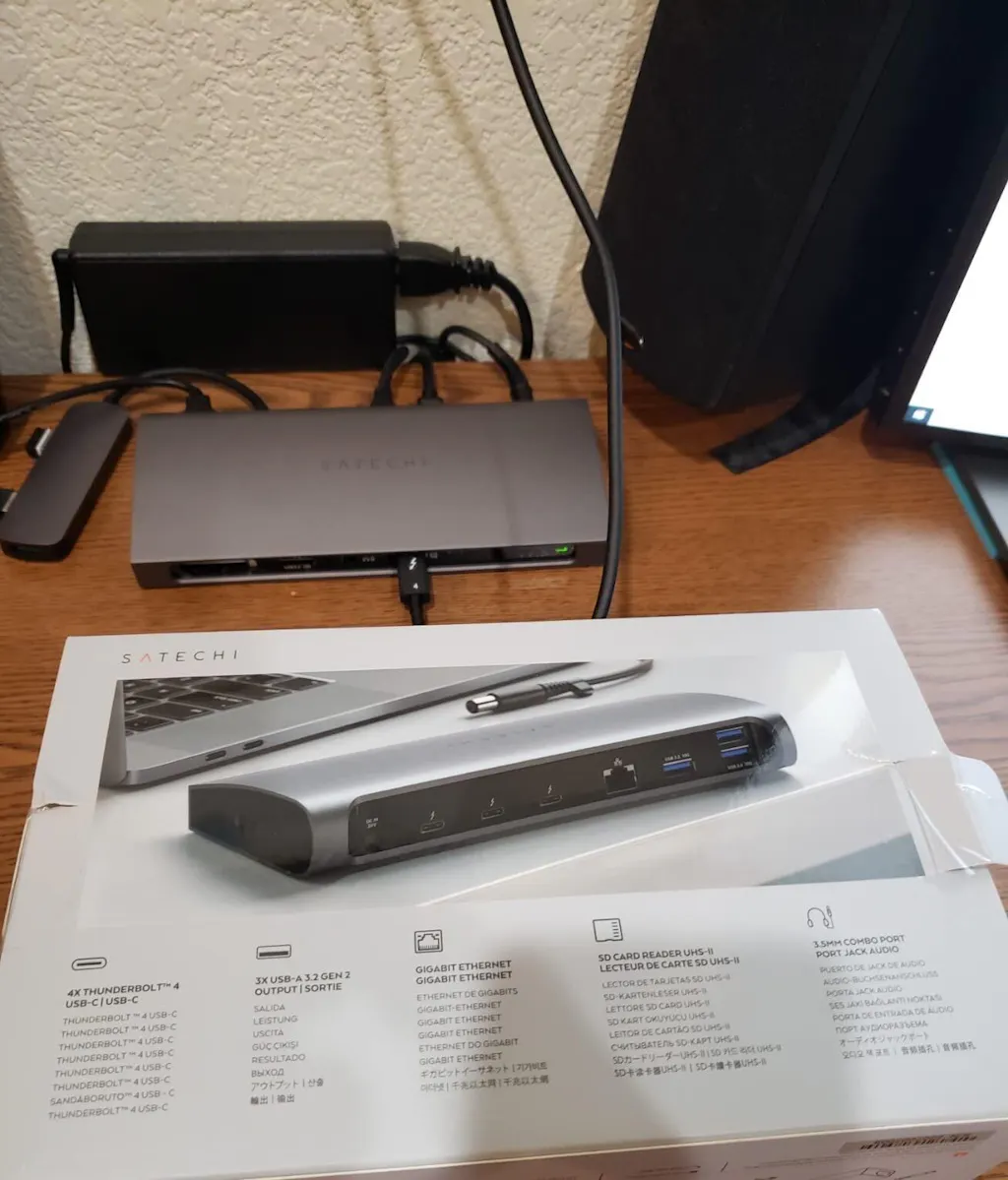
11-in-1 Connectivity for Your Entire Workspace

Connect your essential desk equipment through one docking station:

  • Thunderbolt 4 connectivity
  • High-speed USB-A connections
  • UHS-II SD card reader
  • Gigabit Ethernet
  • 3.5mm audio
  • External displays
  • External SSDs and storage
  • Keyboards, mice and other USB peripherals
  • Laptop charging

Plug your workspace into the dock, then connect your MacBook with one cable.

Thunderbolt 4 — Up to 40Gbps

Move large files, access external storage and connect high-performance peripherals with Thunderbolt 4 bandwidth up to 40Gbps.

For photographers and video editors working with large RAW files or high-resolution footage, developers managing demanding workflows, or professionals using fast external SSDs, that extra bandwidth can make a meaningful difference.

Charge Your MacBook at Up to 96W

Your docking station shouldn’t take away your charging port.

The Satechi Thunderbolt 4 Docking Station can provide up to 96W of charging power to the host computer, helping keep your compatible MacBook powered while your workspace remains connected.

Arrive at your desk, connect one cable, and get to work.

Build a Multi-Display Workspace

Need more screen space for editing, coding, spreadsheets, communication or creative applications?

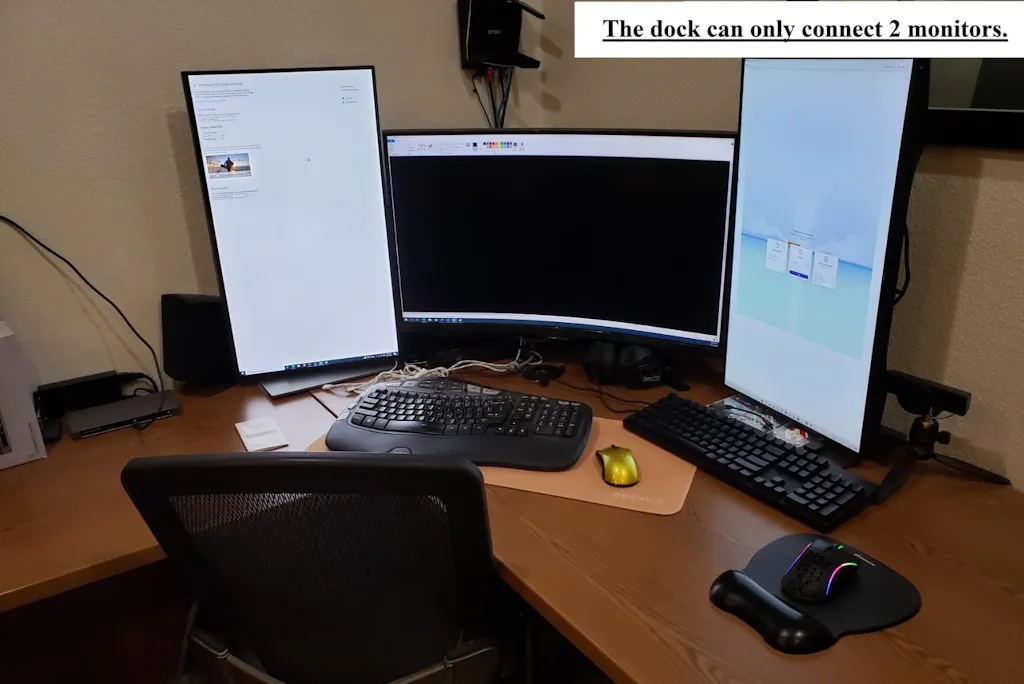
The Thunderbolt connectivity can be used with compatible external displays and display adapters to build a larger desktop workspace.

This makes the dock especially useful for professionals who want to transition from a portable MacBook to a full desk setup without reconnecting every accessory individually.

Important: External display support, maximum resolution and the number of displays supported depend on your Mac model, processor, operating system and display configuration.

High-Speed Storage for Creative Workflows

Connect compatible external SSDs and storage devices for fast access to large projects, media libraries and backups.

Thunderbolt 4 is particularly valuable for workflows involving:

  • 4K video projects
  • RAW photography
  • Large creative libraries
  • External SSD workflows
  • Professional backups
  • Large file transfers

Instead of moving everything onto your Mac’s internal storage, keep high-capacity projects accessible from your desk setup.

UHS-II SD Card Reader for Creators

For photographers and videographers, card-reader performance matters.

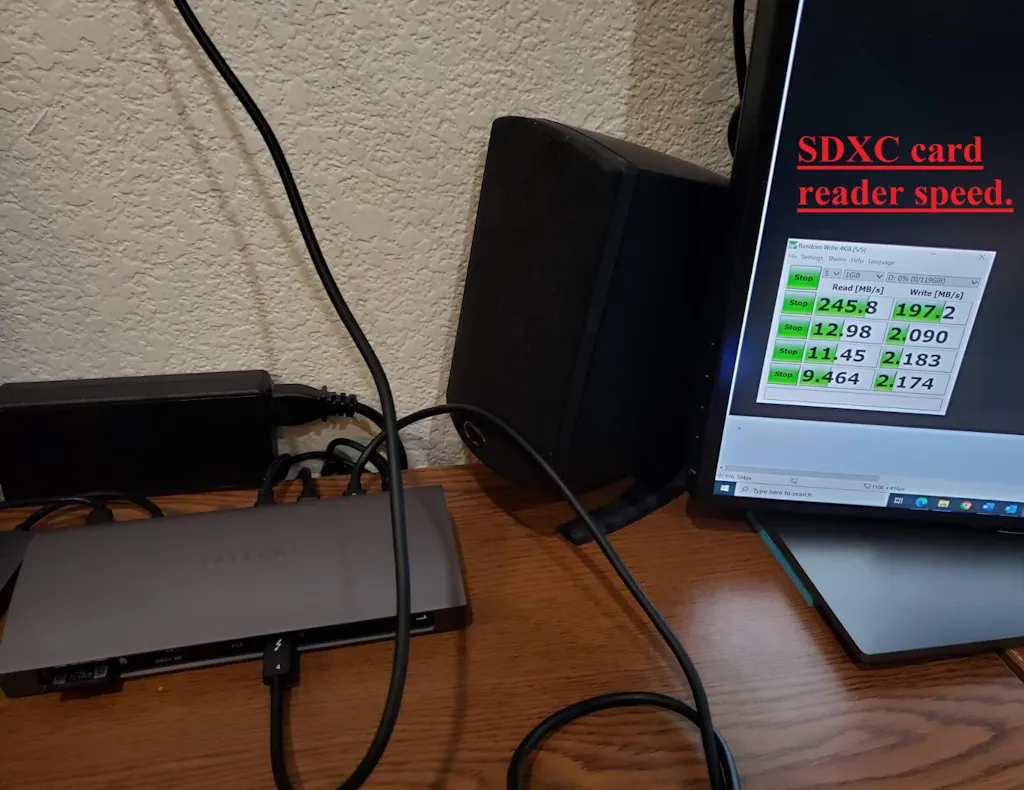
The integrated UHS-II SD card reader makes it easier to transfer photos and footage directly into your workflow without carrying an additional reader.

Insert your compatible SD card, import your content and start editing.

Reliable Wired Ethernet

Wi-Fi is convenient. A wired connection can be preferable when consistency matters.

Connect your workstation directly to a compatible Ethernet network for stable connectivity during large downloads, cloud transfers, video calls and other bandwidth-intensive work.

One Connection When You Arrive at Your Desk

This is where a professional docking station changes the experience.

Instead of reconnecting your:

monitor
SSD
Ethernet
keyboard
mouse
audio
SD reader
charger

every time you sit down…

Connect your MacBook to the dock.

Your desk is ready.

Designed for Professional Apple Workflows

Content Creators

Connect storage, displays, SD cards and accessories while keeping your MacBook charged.

Photographers

Transfer photos through UHS-II SD and work directly with high-speed external storage.

Video Editors

Build a desktop editing environment around external displays and fast storage.

Developers

Expand your workspace across displays and connect your essential USB and networking equipment.

Remote & Office Professionals

Leave your desk equipment connected to the dock and use a single connection when arriving with your MacBook.

Apple Compatibility

Designed for compatible Thunderbolt-equipped Mac computers, including supported:

  • MacBook Pro
  • MacBook Air
  • Mac mini
  • Apple silicon Mac computers

It may also work with compatible Thunderbolt and USB-C devices, although functionality can vary depending on the host device.

Important: Thunderbolt bandwidth, charging performance and external display support depend on the exact Mac model and processor. Always verify the display capabilities of your Mac before building a multi-monitor setup.

Why You’ll Love It

The real advantage isn’t simply having more ports.

It’s being able to turn a portable MacBook into a full workstation — and disconnect the entire setup with one cable when it’s time to leave.

40Gbps Thunderbolt 4 performance.
Up to 96W host charging.
11-in-1 connectivity.
High-speed storage support.
UHS-II SD workflow.
Cleaner cable management.

One dock can become the center of your entire workspace.

Frequently Asked Questions

What is the difference between Thunderbolt 4 and a regular USB-C hub?

Thunderbolt 4 supports significantly higher-performance workflows with up to 40Gbps bandwidth and advanced connectivity for compatible displays, storage and peripherals. A standard USB-C hub may be sufficient for basic accessories, while Thunderbolt is better suited to demanding professional setups.

Does it work with MacBook Pro?

Yes, it is designed to work with compatible Thunderbolt-equipped MacBook Pro models.

Does it work with Apple silicon Macs?

Yes, it supports compatible Apple silicon Macs. Available features — particularly external display support — depend on the specific Apple chip and Mac model.

Can it charge my MacBook?

Yes. The dock can provide up to 96W of host charging with compatible devices.

Can I connect an external SSD?

Yes. The dock is designed to support high-speed external storage and is particularly useful for professional workflows involving large files.

Can I connect external monitors?

Yes, compatible displays can be connected through the dock’s Thunderbolt connectivity. The number of external displays and maximum resolutions available depend on the exact Mac model, Apple chip and display configuration.

Is it suitable for video editing?

Yes. Its combination of Thunderbolt 4 bandwidth, external storage connectivity, display support, SD card access and charging makes it particularly useful for professional creative workflows.

Does it have Ethernet?

Yes. Wired Ethernet connectivity is available for compatible networks.

Does it include an SD card reader?

Yes. It includes a UHS-II SD card reader, making it especially useful for photographers and video creators.

Stop Reconnecting Your Entire Desk

Your MacBook is built to move.

Your workstation doesn’t have to.

Leave your displays, storage, network, audio and accessories connected to the Satechi Thunderbolt 4 Docking Station, then connect your MacBook when you’re ready to work.

One cable. One workstation. More possibilities for your Mac.

See how it works

Note: 🔒 Secure checkout • Fast shipping • Trusted Apple accessories.

View full details

Frequently asked questions

Can I modify or cancel my order after it's been placed?
While we strive to accommodate changes, it may not always be possible once the order has been processed. Please contact our customer service team as soon as possible if you need to make any modifications.
How do I place an order?
To place an order, simply browse our website and add the desired items to your cart. Once you're ready to checkout, provide your shipping information and payment details.
What is your return policy?
Our return policy outlines the conditions under which you can return a product. Please refer to our website for specific details.
Do you offer gift wrapping?
Yes, we offer gift wrapping services. Please select this option during the checkout process.
Still have questions? Feel free to Contact

Recently viewed

    Satechi Thunderbolt 4 Docking Station setup

Satechi Thunderbolt 4 Docking Station for MacBook Pro

Regular price $239.99 USD
Regular price $259.99 USD $239.99 USD Sale price