


Station d'accueil Thunderbolt 4 de Satechi
Station d'accueil Thunderbolt 4 de Satechi
Prix habituel
€226,95 EUR
Prix habituel
€226,95 EUR
Prix promotionnel
Prix unitaire
par
Frais d'expédition calculés à l'étape de paiement.
Transformez votre installation MacBook en une centrale de productivité
Améliorez votre espace de travail avec la station d'accueil Satechi Thunderbolt 4 Pro, conçue pour les professionnels qui exigent vitesse, performance et une installation propre et haut de gamme.
Que vous travailliez, éditiez ou construisiez le bureau de vos rêves, cette station d'accueil vous offre tout ce dont vous avez besoin dans un design élégant en aluminium.
🚀 Pourquoi vous l'adorerez
-
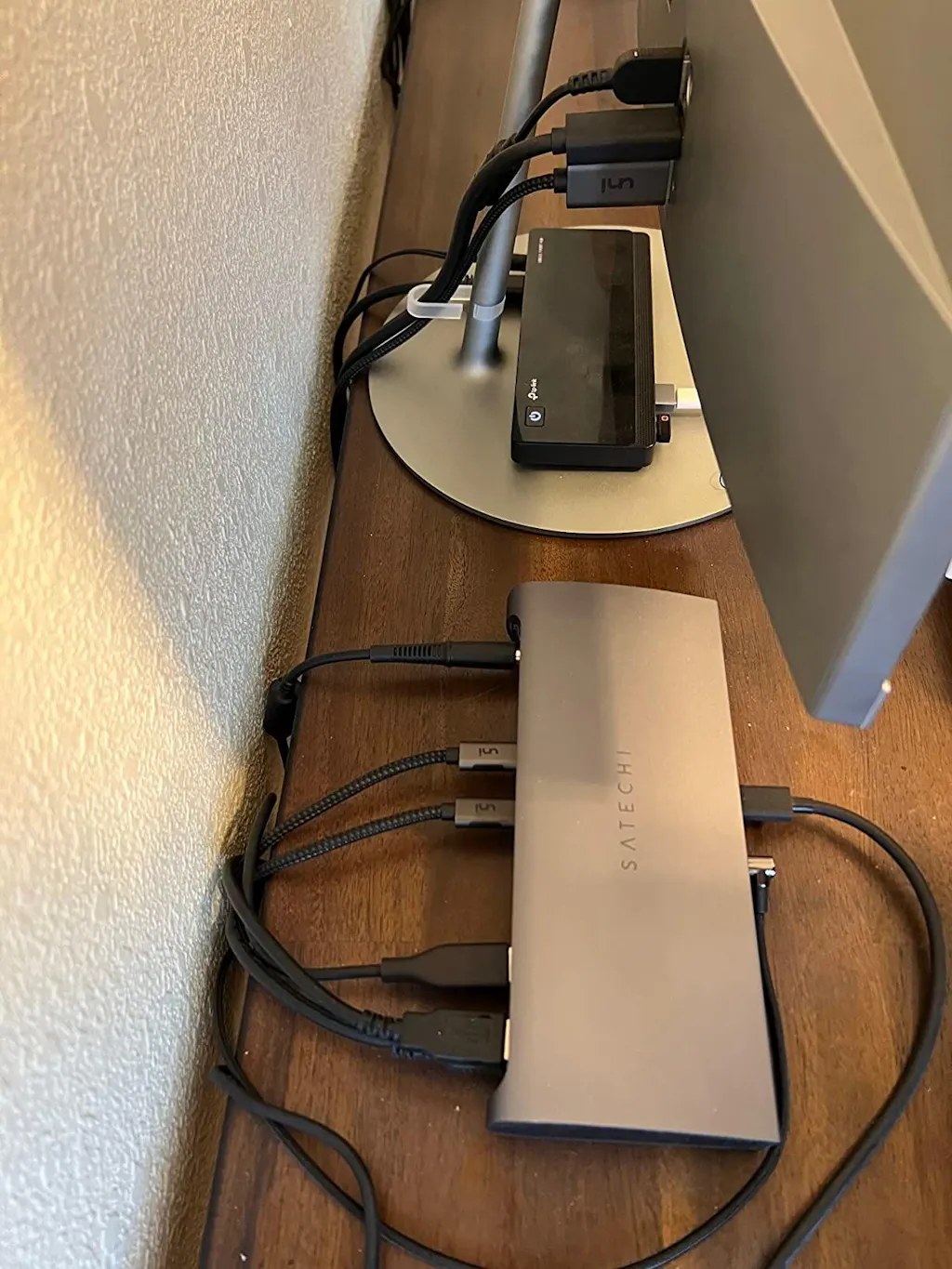
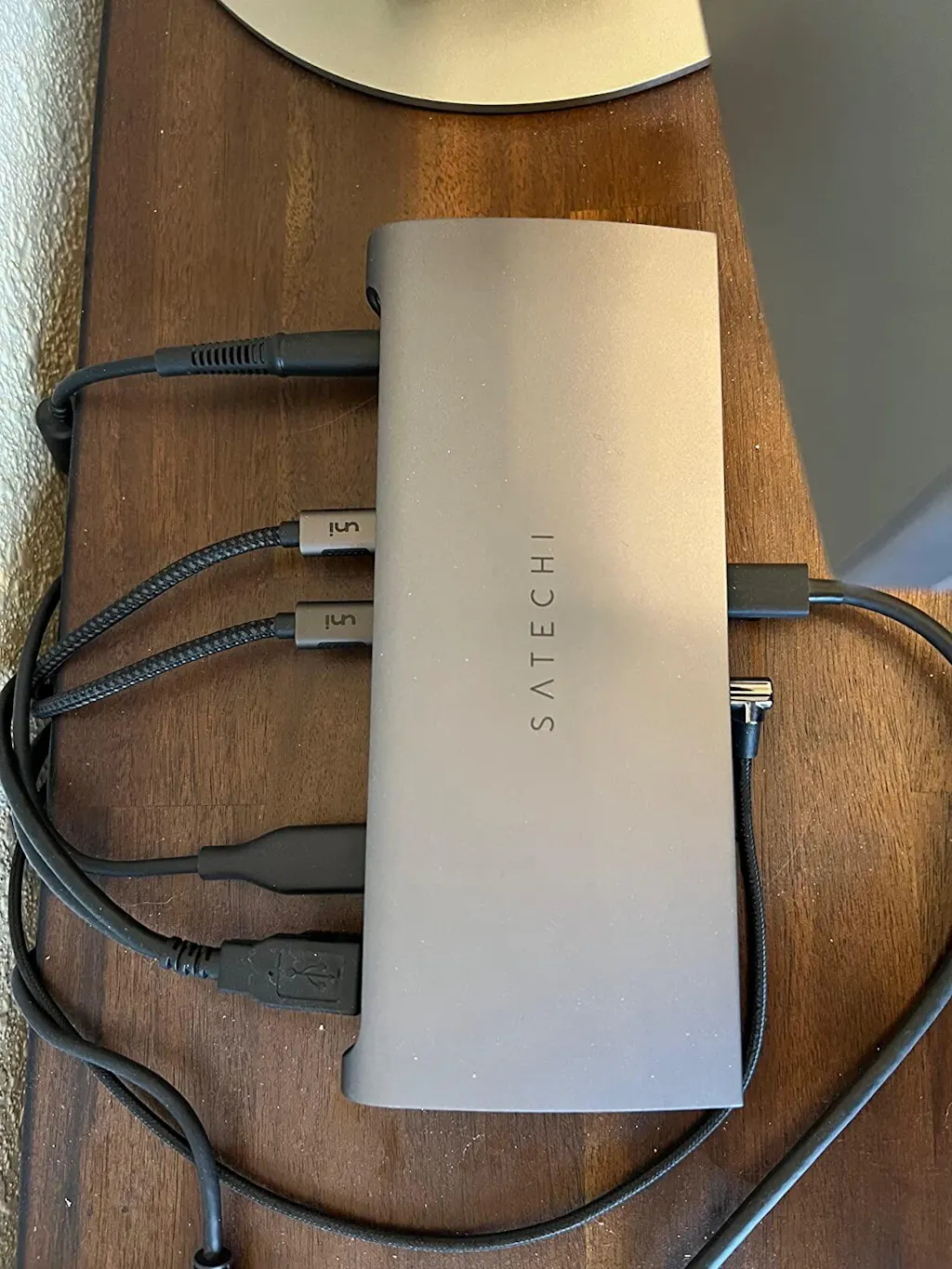
Extension 11-en-1 – Connectez tout ce dont vous avez besoin à partir d'un seul port USB-C
-
Alimentation 96W – Chargez votre MacBook à pleine vitesse pendant que vous travaillez
-
Technologie Thunderbolt 4 – Transfert de données ultra-rapide et prise en charge d'affichage haute résolution
-
Gigabit Ethernet – Connexion internet filaire stable et rapide
-
Design haut de gamme en aluminium – S'harmonise parfaitement avec votre MacBook
🔌 Tous les ports dont vous avez besoin
-
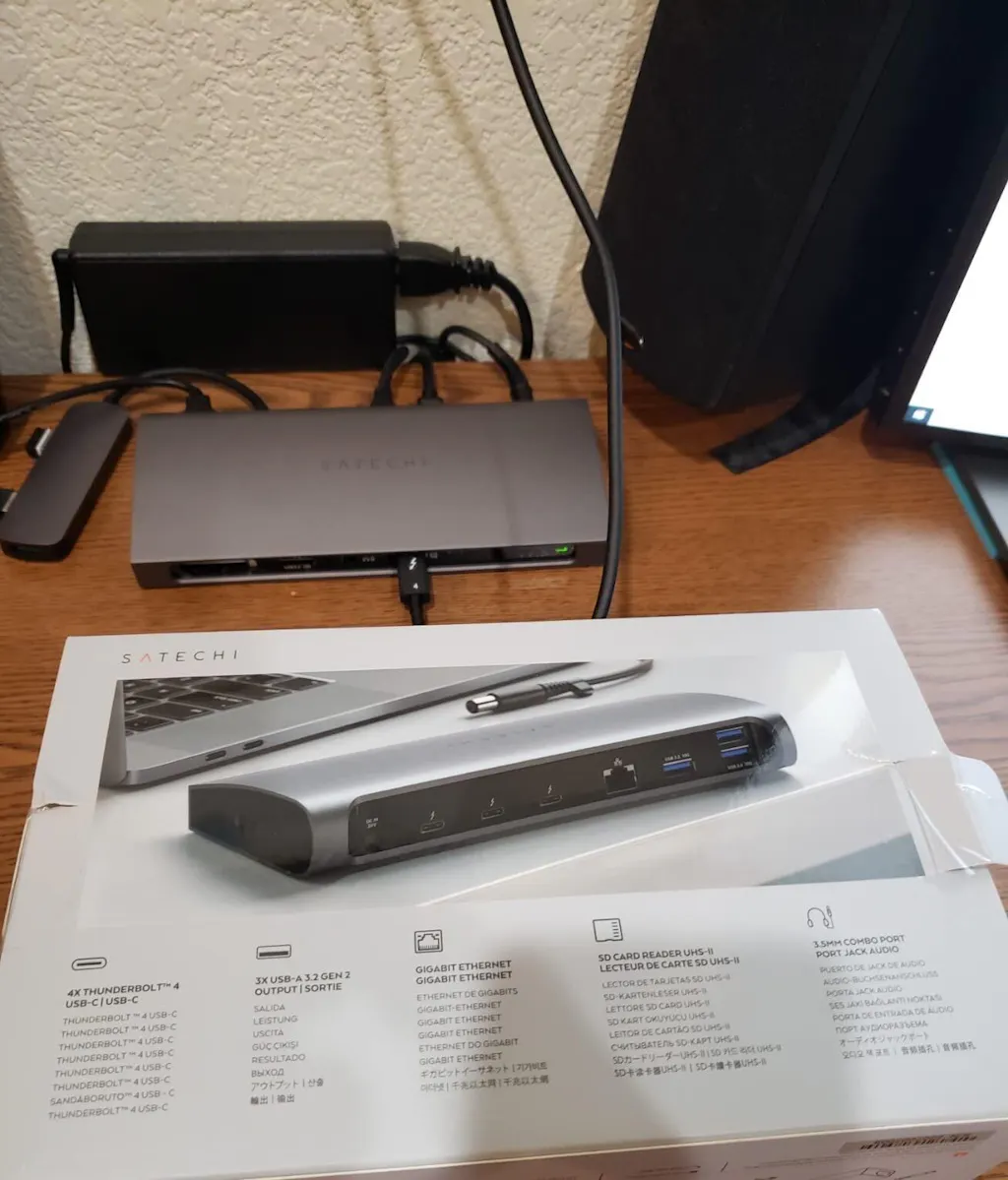
3 × ports Thunderbolt 4
-
3 × USB-A 3.2 Gen 2
-
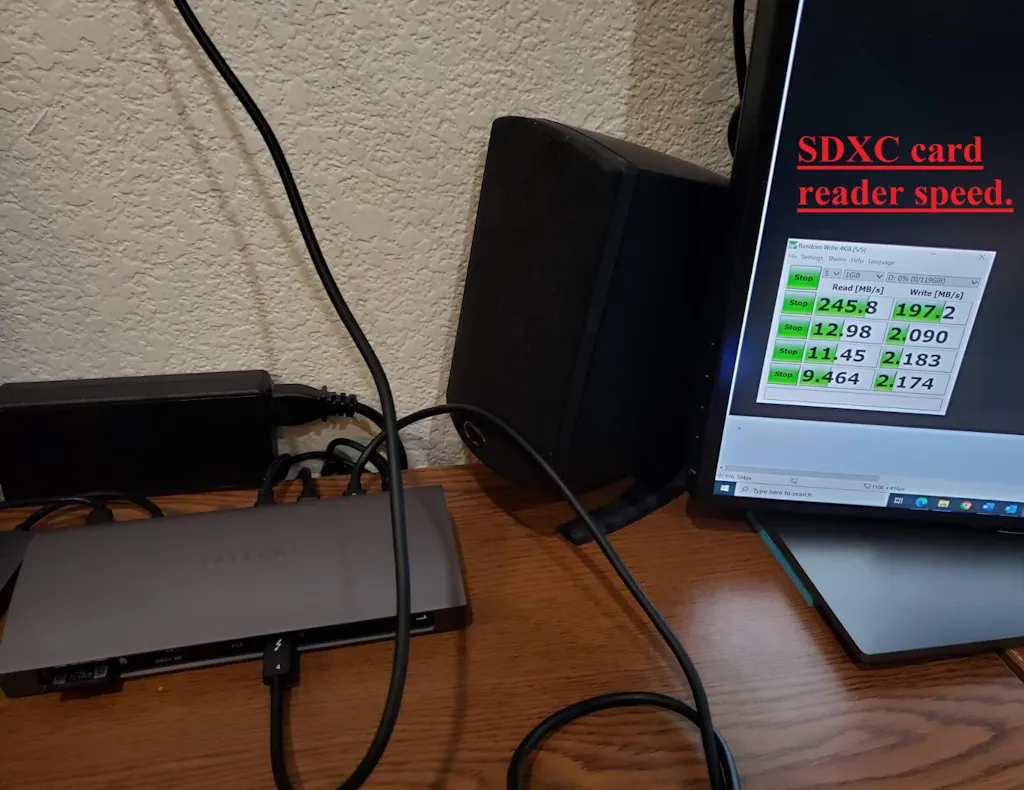
Lecteur de carte SD (UHS-II)
-
Prise audio 3,5 mm
-
Gigabit Ethernet
-
Port hôte USB-C (96W PD)
🎯 Idéal pour
-
Utilisateurs de MacBook Pro / Air
-
Designers et éditeurs vidéo
-
Travailleurs à distance et entrepreneurs
-
Toute personne souhaitant une installation de bureau propre et haut de gamme
💎 Conçu pour les utilisateurs Apple
Fabriqué avec une finition minimaliste en aluminium, ce dock s'intègre parfaitement à votre écosystème Apple — pas de plastique bon marché, juste une sensation premium.
Améliorez votre configuration dès aujourd'hui – stock limité disponible
FAQ
Quelles sont les températures de fonctionnement standard ?
La température de fonctionnement de la station d'accueil Thunderbolt 4 varie de 30°C à 55°C (86°F à 131°F). Les températures de surface peuvent sembler chaudes au toucher en raison de la grande surface de la station d'accueil. C'est un comportement normal et cela n'affectera pas la fonctionnalité ni ne causera de dommages matériels, car la station d'accueil est conforme aux normes de sécurité IEC 62368-1.
Puis-je utiliser la station d'accueil avec d'anciens appareils Thunderbolt 3 ?
Oui. La station d'accueil Thunderbolt 4 est entièrement compatible avec les appareils Thunderbolt 3. Veuillez noter que certaines fonctionnalités, telles que les vitesses de transfert de données maximales ou l'alimentation, peuvent être limitées aux spécifications Thunderbolt 3 lorsqu'elles sont utilisées avec des hôtes Thunderbolt 3.
Cet appareil nécessite-t-il des mises à jour du micrologiciel ?
Non. La station d'accueil Thunderbolt 4 est conçue pour une utilisation plug-and-play et ne nécessite aucune mise à jour du micrologiciel. Elle est prête à l'emploi dès la sortie de la boîte.
J'ai perdu l'alimentation. Quelles sont les spécifications requises pour un remplacement ?
Si vous avez besoin d'une alimentation de remplacement tierce, elle doit répondre aux spécifications suivantes pour garantir un fonctionnement et des performances appropriés : une puissance de sortie d'au moins 135W, avec un connecteur cylindrique mesurant 7,4 mm de diamètre extérieur et 5,1 mm de diamètre intérieur.
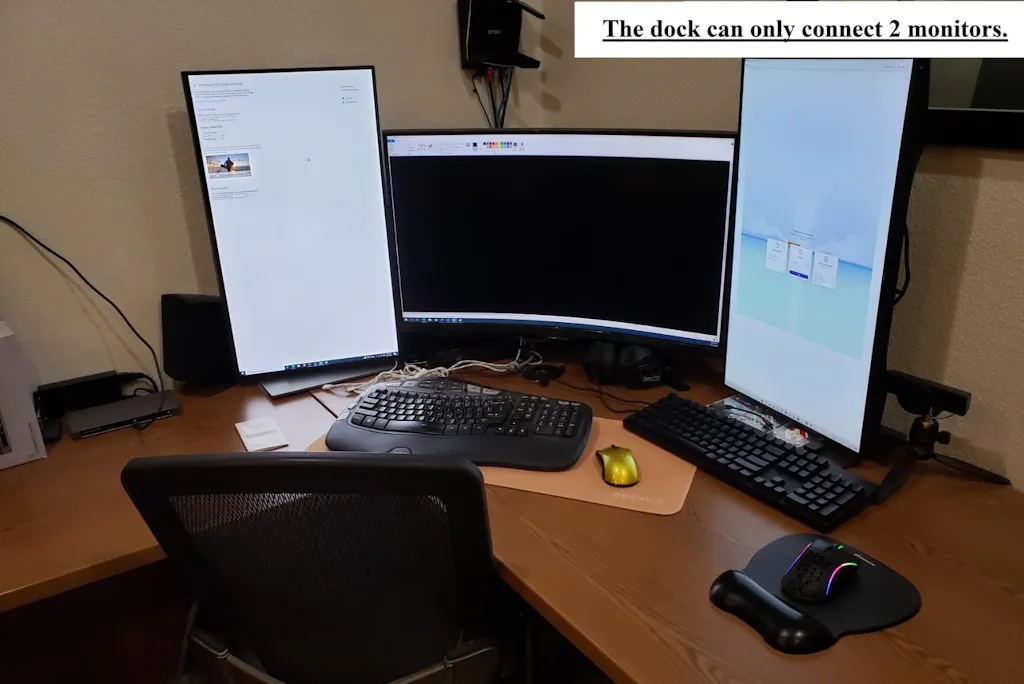
Cette station d'accueil prend-elle en charge deux moniteurs HDMI ?
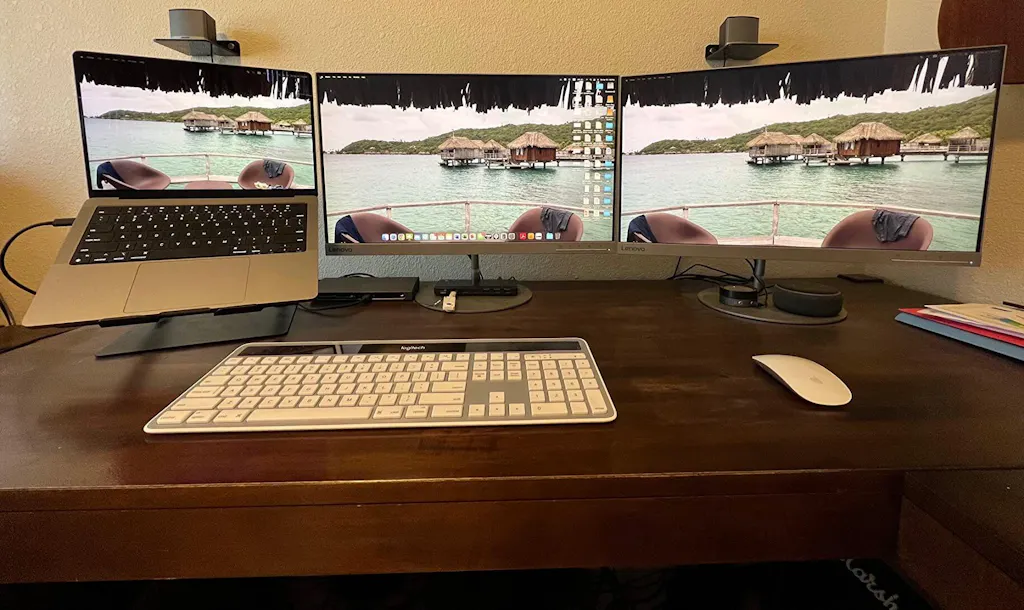
Les ports Thunderbolt 4 prennent en charge des écrans jusqu'à 4K à 60 Hz. Pour utiliser des écrans HDMI, un câble USB-C vers HDMI est requis. Le double affichage n'est pas pris en charge sur les modèles Mac M1 ou M2 de base en raison des limitations du système. Les systèmes compatibles peuvent exécuter deux écrans à l'aide d'adaptateurs ou de câbles USB-C vers HDMI appropriés.
Découvrez comment ça marche
Acheter maintenant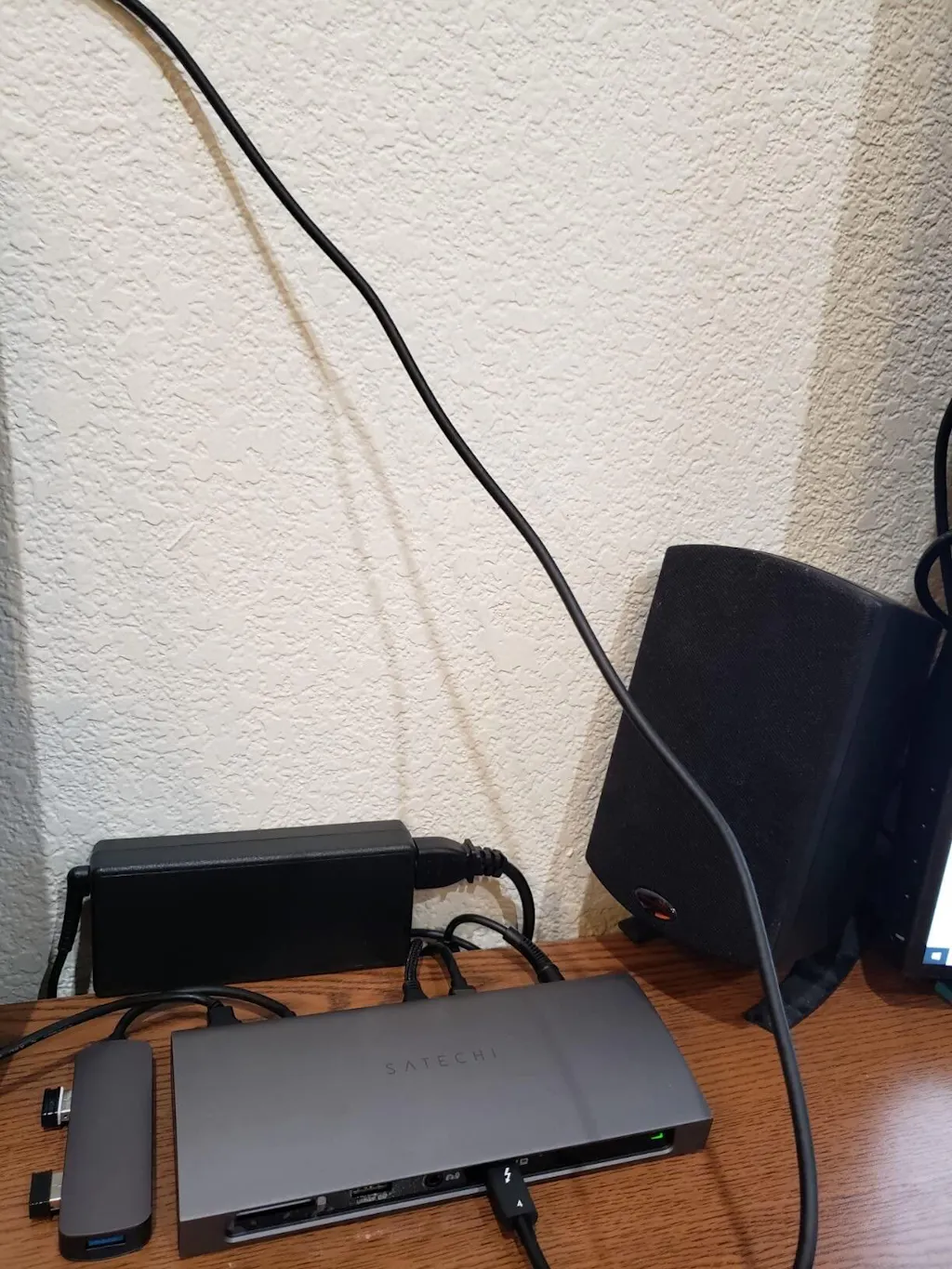
Note: 🔒 Secure checkout • Fast shipping • Trusted Apple accessories.
Afficher tous les détails


Portable Wireless Power Bank for Apple Watch

Revolutionizing audio, one beat at a time


-

UGREEN 65W Universal Travel Charger GaN Fast Charger with Global Plug
The UGREEN 65W Universal Travel Charger is your all-in-one solution for fast, reliable, and safe charging anywhere in the world. Designed for travelers, professionals, and digital nomads, this compact GaN (Gallium Nitride) chargerdelivers 65W of Power Delivery (PD) and includes interchangeable plug adaptersfor use in over 200 countries.
Whether you’re powering a MacBook, iPad, iPhone, Samsung Galaxy, or other USB-C devices, the UGREEN 65W Universal Travel Charger ensures stable voltage, intelligent current distribution, and maximum efficiency — all in a sleek, pocket-sized form factor.Built with GaN II technology, it offers high power output with minimal heat, making it 30% smaller and more efficient than standard chargers. Perfect for work, travel, or daily charging routines, this universal adapter lets you charge multiple devices simultaneously with ease.
-

Underwater Diving Phone Case 20m Waterproof for Smartphones by TELESIN
-

UGREEN USB-C Docking Station Dual 4K HDMI Hub
-

UGREEN USB-C Cable 240W Digital Display Fast Charging Cable
-

UGREEN HDMI Video Capture Card 1080P 60FPS USB-C


Frequently asked questions

Recently viewed

Station d'accueil Thunderbolt 4 de Satechi
Prix habituel
€226,95 EUR
Prix habituel
€226,95 EUR
Prix promotionnel
Prix unitaire
par
